
Getting Started #
WebOps App Builder is a platform that helps users create, manage, and launch websites without needing advanced technical knowledge.
Whether you want to generate a website using AI or build it manually using templates and tools, WebOps App Builder provides a complete website-building experience from one dashboard.
After creating an account and signing in, you can immediately start creating your website.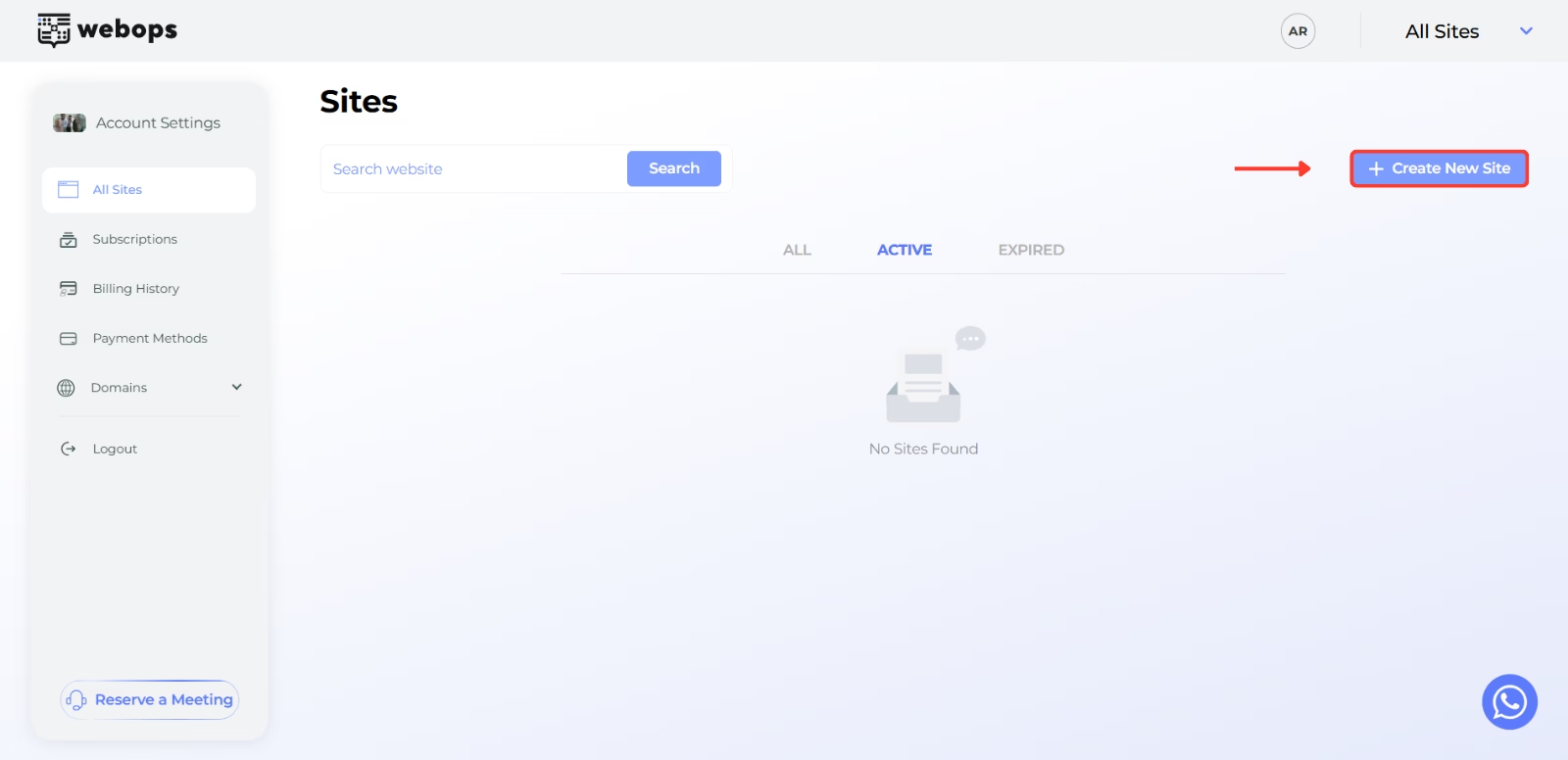
Learn more:
Creating a Website #
WebOps App Builder allows you to create websites through an intelligent onboarding process that helps personalize your website experience.
During onboarding, WebOps App Builder asks questions about:
- your business or project
- your website industry
- your website goals
- whether you want an ecommerce or showcase website
- your contact details
This information helps WebOps App Builder prepare and personalize your website automatically.
Website Building Methods #
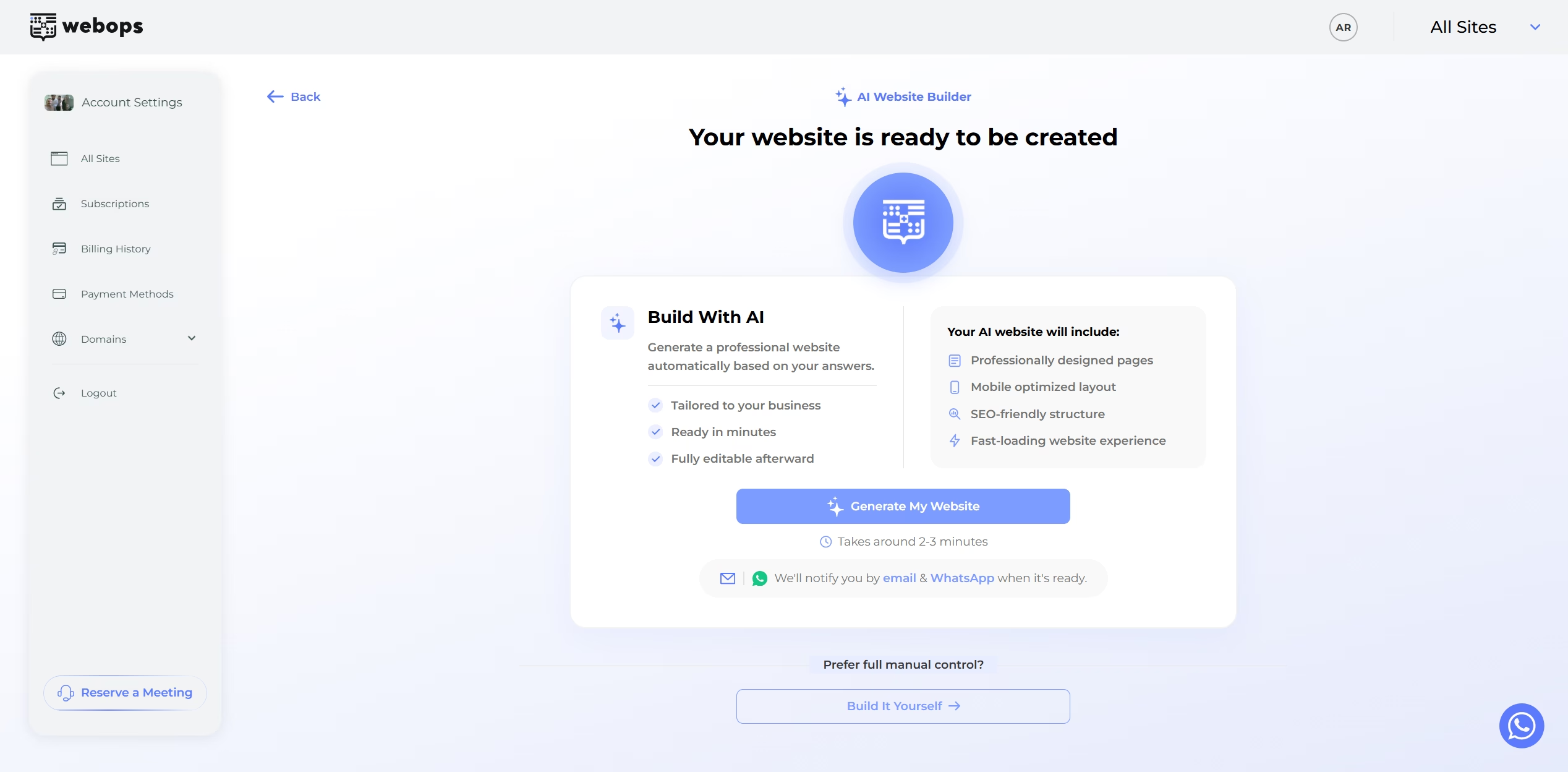
After completing onboarding, WebOps App Builder allows you to choose between two main website-building methods:
- Build With AI
- Build it Yourself
Build With AI #
Build With AI automatically generates a complete website using the information provided during onboarding.
The AI system helps:
- choose a suitable website structure
- prepare layouts and sections
- personalize website content
- generate ecommerce or showcase experiences
- prepare your website automatically
After generation finishes, you can:
- preview your website
- edit your website
- continue customizing your content
Learn more:
Build it Yourself #
Build it Yourself prepares a clean website environment so you can manually build your website using WordPress tools and templates.
After preparation finishes, you can choose between multiple manual building methods:
- Ready-Made Templates
- Install Premium Templates for Free
- I Have a Template
Learn more:
Website Management #
After your website is created, WebOps App Builder provides tools for managing and customizing your website.
You can:
- edit pages and content
- customize design and layouts
- manage plugins and settings
- upload media
- manage ecommerce functionality
- access the website editor
- manage your website from the dashboard
The platform combines WebOps management tools with WordPress flexibility, allowing you to fully customize your website.
Domains & Website Launch #
WebOps App Builder also includes integrated domain management tools.
You can:
- purchase domains
- claim a free domain with eligible annual plans
- connect external domains
- manage DNS records
- change nameservers
- connect domains to websites
The platform also includes a launch checklist system that helps guide you through the steps required to fully launch your website.
Learn more:
- How to Connect a Purchased Domain to Your Website
- How to Connect an External Domain to Your WebOps Website
Dashboard & Account Management #
The WebOps Dashboard allows you to manage:
- websites
- subscriptions
- domains
- billing
- payments
The dashboard also includes:
- setup checklists
- website previews
- quick website actions
- support access
- website switching
Learn more:
Support & Assistance #
WebOps App Builder includes multiple support options to help users during website creation and management.
Users can access:
- the Knowledge Base
- WhatsApp support
- onboarding assistance
- technical guidance
- setup meetings
This support system helps both beginners and advanced users manage websites more efficiently.
Conclusion #
WebOps App Builder provides a complete website-building and management platform for businesses, creators, ecommerce stores, and personal projects.
Whether you want to generate a website using AI or build it manually using templates and tools, WebOps App Builder provides everything needed to launch and grow your online presence from one platform.